
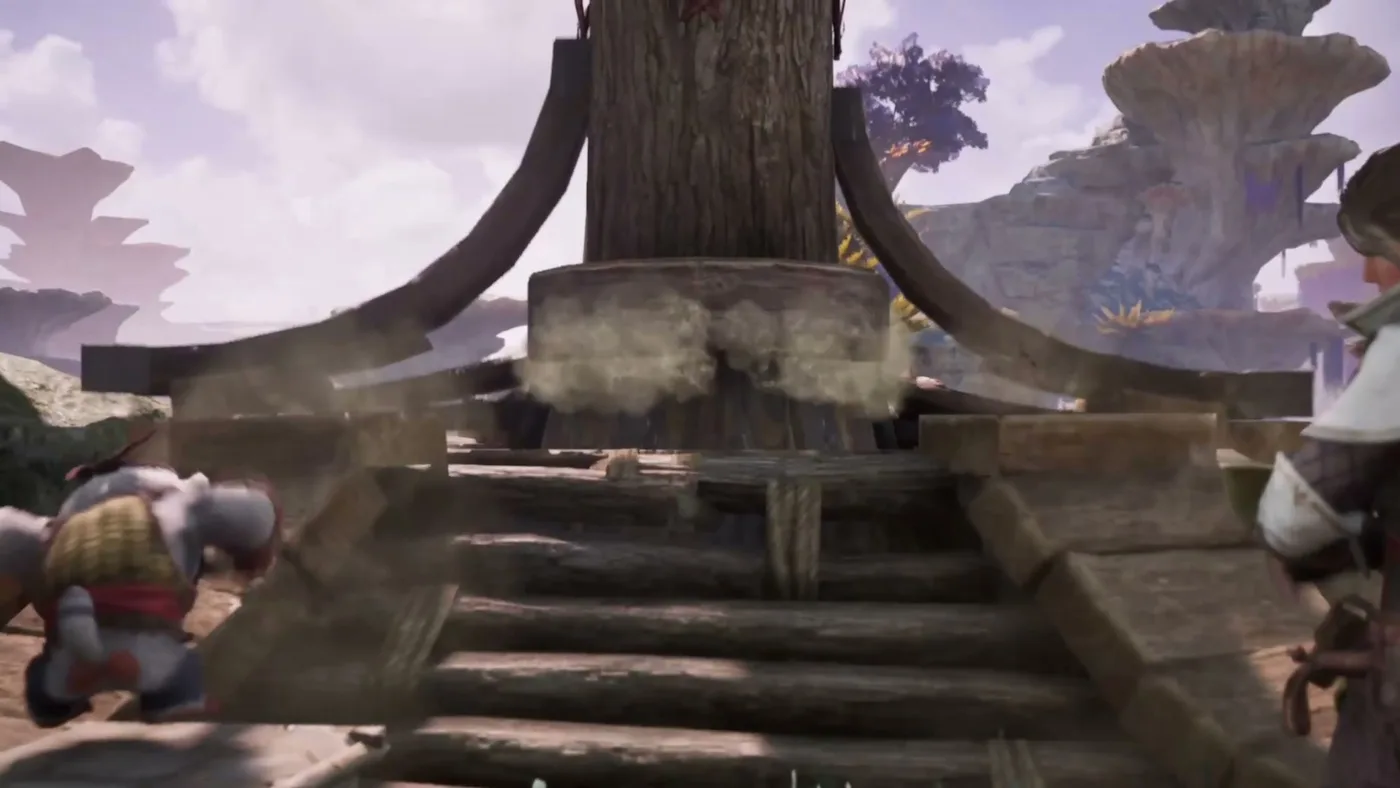
The third closed beta required iOS 17 or later on an iPhone XR or newer, or Android 12 or later with a Snapdragon 845-class chip. Final launch requirements and the official storage size have not been fully published. Free up plenty of space and check your regional store listing.
Field note
Current known device requirements
The following numbers come from the third closed beta and official test notices. They are a useful planning baseline, not a guaranteed final launch specification. TiMi has continued to optimize performance, and the store listing may allow devices outside the beta floor.
| Platform | Beta requirement | Status |
|---|---|---|
| iOS | iOS 17 or later; iPhone XR or newer | Beta guidance, final list unconfirmed |
| Android | Android 12 or later; Snapdragon 845-class or newer | Beta guidance, final list unconfirmed |
| RAM | 8 GB recommended for Android beta | Final launch requirement unconfirmed |
| Storage | Plan for a large install; beta builds varied | Check store listing after preload |
| Controller | Discussed for launch | Confirm in live build |
| PC | No native version announced | Emulator play is unofficial |
Field note
How much storage should you free up?
Do not rely on a single beta number. Free more space than you think the download needs, and leave room for future updates and resources. A live-service game with new monsters and areas will grow after launch.
If your device is tight on space, remove a large unused app, clear cached video and check whether your store can install the game to internal storage rather than a slower SD card.
Field note
Getting a stable frame rate
Mobile action games usually offer graphics and frame-rate settings. If the game feels inconsistent, lower shadows, resolution or effects before reducing frame rate. Combat timing is more important than maximum visual fidelity.
Close background apps, disable battery-saver modes that throttle performance, and keep the device cool. A hot phone will eventually reduce performance even if the settings are conservative.
- Prefer a stable frame rate over the highest resolution.
- Use a controller if the touch layout causes accidental inputs.
- Play with a charger only if your device does not overheat while charging.
- Check for a launch-day performance patch before changing devices.
Field note
PC, emulators and controller support
Monster Hunter Outlanders has been announced for iOS and Android. No native PC or console version exists. Emulators can run the Android build, but they are not officially supported and may create account or performance risks.
If you want a larger screen, screen mirroring to a TV or tablet is a lower-risk alternative. Controller support has been discussed by the developers; confirm the final supported controllers in the game settings.
Quick answers